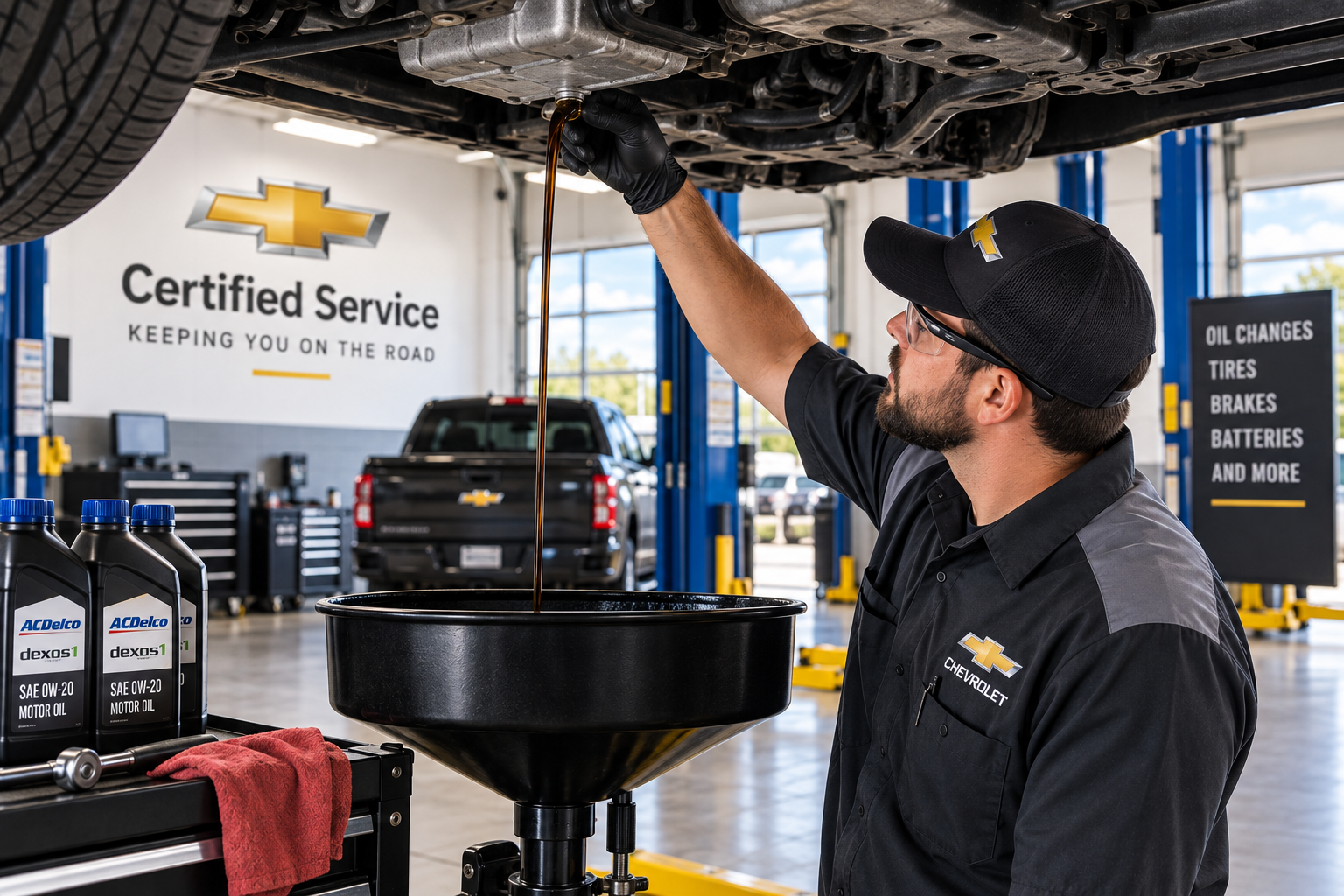

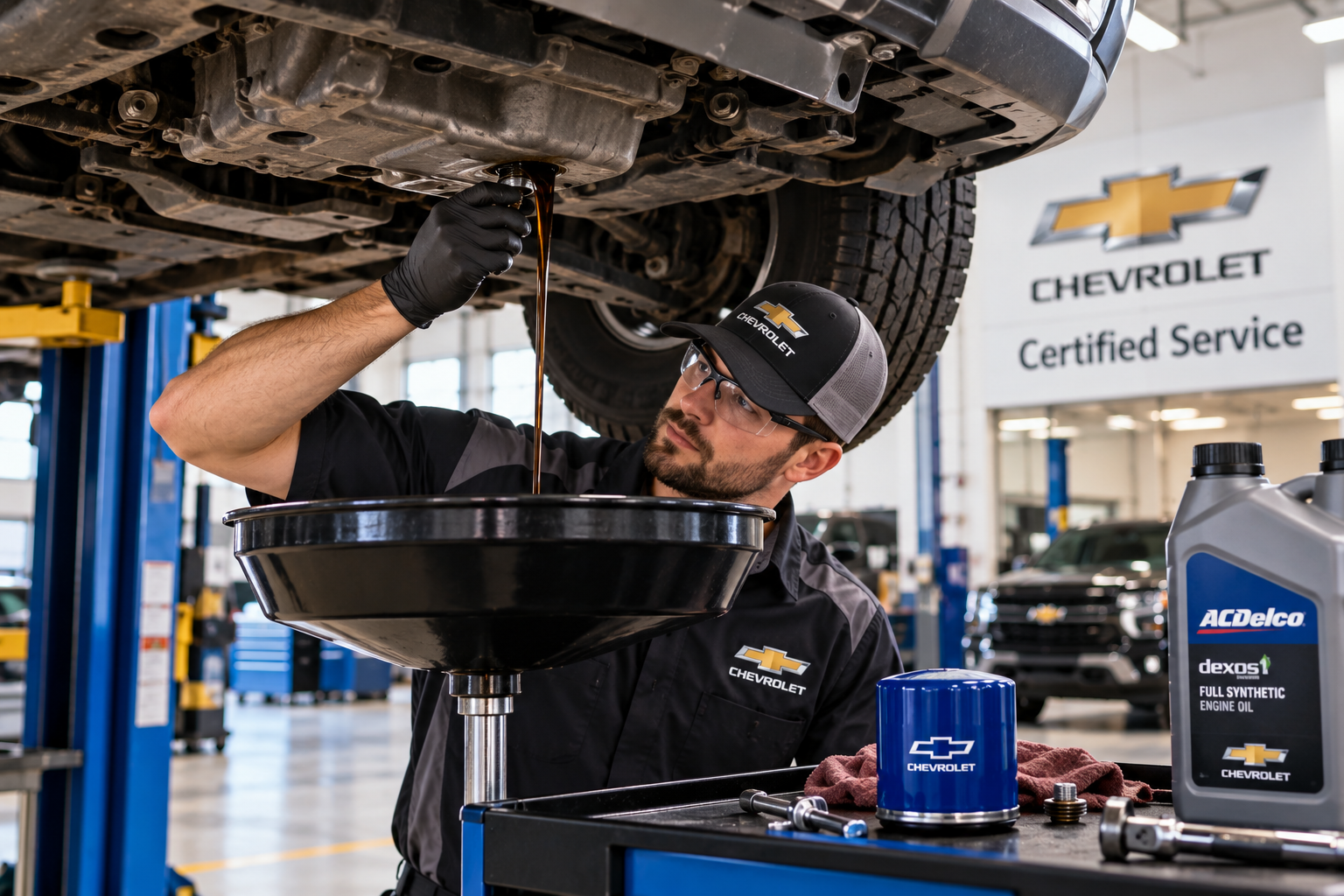
If you need an oil change in Sunnyside or the Yakima Valley you have two main options to choose from. You can visit a quick lube shop or bring your vehicle to a dealership service center like C Speck Motors. Both options will change your oil but the experience, expertise, and overall value are significantly different. Here is your complete dealer service vs quick lube comparison guide from our team at C Speck Motors in Sunnyside. What a Quick Lube Offers Speed and Convenience Quick lube shops are designed to turn vehicles around as quickly as possible with minimal wait time. Most locations offer drive-through service without a scheduled appointment making them highly convenient for busy Yakima Valley drivers. A basic oil change at a quick lube shop typically takes between 15 and 30 minutes from arrival to departure. Basic Service Offerings Most quick lube shops offer a limited menu of basic maintenance services beyond oil changes including air filter replacement, wiper blades, and fluid top-offs. Quick lube technicians are trained to perform these specific high-volume services quickly rather than complex diagnosis or specialized repairs. Pricing Quick lube shops often advertise competitive base pricing on standard conventional oil changes to attract customers. However the final price frequently increases significantly when the correct synthetic oil, filter specification, and additional services are added. Always confirm the total price before authorizing any quick lube service to avoid unexpected charges. Limitations Quick lube technicians are typically not factory-trained on specific vehicle makes and models the way dealership technicians are. Quick lube shops may not have access to manufacturer-specific service information, technical service bulletins, or recall notifications for your specific vehicle. The oil and filter used at a quick lube shop may not always meet the exact OEM specification required by your vehicle manufacturer. What Dealer Service at C Speck Motors Offers Experienced Technicians Our service technicians at C Speck Motors have extensive experience working on a wide range of vehicle makes and models every single day. Our technicians stay current with the latest service procedures and manufacturer updates through ongoing training and certification programs. That expertise means your vehicle is serviced by someone who genuinely knows your specific vehicle's requirements. Correct Oil and Filter Specification Every oil change at C Speck Motors uses the exact oil type, viscosity, and filter specification required by your specific vehicle manufacturer. Using the correct oil specification is essential for maintaining your vehicle's powertrain warranty coverage and protecting your engine. We never substitute a generic oil or filter that does not meet your vehicle manufacturer's specific requirements. Comprehensive Multi-Point Inspection Every service visit at C Speck Motors includes a comprehensive multi-point vehicle inspection performed by our experienced technicians. Our inspection checks your tires, brakes, battery, fluids, belts, hoses, filters, and lights during every oil change visit. This comprehensive inspection identifies developing issues before they become expensive repairs giving you the most complete picture of your vehicle's condition. Digital Inspection Report After every service visit our technicians send a detailed digital inspection report directly to your phone or email. The digital report includes photos of any items that need attention so you can see exactly what our technicians found. This transparent reporting approach helps you make informed decisions about recommended maintenance without any pressure. Recall and Technical Service Bulletin Checks Our service team checks your vehicle's VIN for any open manufacturer recalls or technical service bulletins during every service visit. Open recalls are completed at no charge to you whenever the required parts are available. Quick lube shops typically do not perform recall checks making this a genuinely significant advantage of dealership service over quick lube alternatives. All Makes and Models Welcome C Speck Motors proudly services all makes and models at our Sunnyside dealership service center. You do not need to own a specific brand to take advantage of our experienced technicians and comprehensive inspection service. Every vehicle owner in the Yakima Valley and Tri-Cities area is welcome at C Speck Motors for oil change service in Sunnyside. Warranty-Friendly Service Records Every service at C Speck Motors is documented in your vehicle's permanent service history record. A complete and documented service history is important for preserving your vehicle's warranty coverage and resale value over time. Side-by-Side Comparison Feature Quick Lube C Speck Motors Wait Time 15 to 30 minutes Varies by service needed Appointment Required Usually not Recommended but walk-ins welcome Technician Training Basic oil change training Experienced multi-make technicians Correct Oil Specification Sometimes Always Multi-Point Inspection Basic or limited Comprehensive Digital Inspection Report Rarely Always Recall Check No Yes Technical Service Bulletins No Yes Service History Documentation Limited Complete Warranty-Friendly Records Sometimes Always What Is Right for You? A Quick Lube May Be Right If: You need a fast and convenient oil change with no appointment during a busy workday Your vehicle has very high mileage and is no longer under any manufacturer warranty Speed and turnaround time are your absolute top priorities for this specific service visit Dealer Service at C Speck Motors Is Right If: You want the correct oil and filter specification for your specific vehicle every time Your vehicle is under manufacturer warranty and you want warranty-friendly service documentation You want a comprehensive multi-point inspection performed during every oil change visit You want open recalls identified and completed at no charge during your service visit You value transparent pricing and a detailed digital inspection report after every service You want the most complete and documented service history for your vehicle's long-term value Our Honest Take Quick lube shops serve an important role for drivers who need fast and basic service in a convenient format. However for Yakima Valley and Tri-Cities vehicle owners who want correct oil specifications, comprehensive inspections, recall checks, and complete service documentation the value of dealer service at C Speck Motors goes significantly beyond just changing your oil. A dealership oil change at C Speck Motors is not just an oil change. It is a complete vehicle health check performed by experienced technicians who genuinely care about your vehicle's long-term condition and your safety on every Eastern Washington road. Schedule Your Oil Change at C Speck Motors in Sunnyside Ready to experience the difference that dealership service makes at C Speck Motors in Sunnyside? Our experienced service team is ready to perform your next oil change in Sunnyside and complete vehicle inspection quickly, accurately, and at a competitive and transparent price. Here is how to schedule your service appointment today: Online: Visit our website and click "Schedule Service" By Phone: Call our service department directly Walk-In: Stop by during service hours for same-day oil change availability We proudly serve all makes and models from Sunnyside, Grandview, Prosser, Kennewick, Richland, Pasco, and the entire Yakima Valley. Come see us at C Speck Motors in Sunnyside today and experience the complete dealership service center difference for your next oil change and vehicle inspection. The information provided is for general informational purposes only and does not constitute legal, financial, or professional advice. While we strive to provide accurate and up-to-date information, we make no guarantees regarding the completeness, accuracy, or reliability of the information presented. Any action you take based on the context of this blog is strictly at your own risk. Always consult a qualified professional or specialist for advice specific to your situation. We are not responsible for any losses or damages arising from the use of this blog or its content.
How to Use the MyChevrolet App: Remote Start, Locks, and More
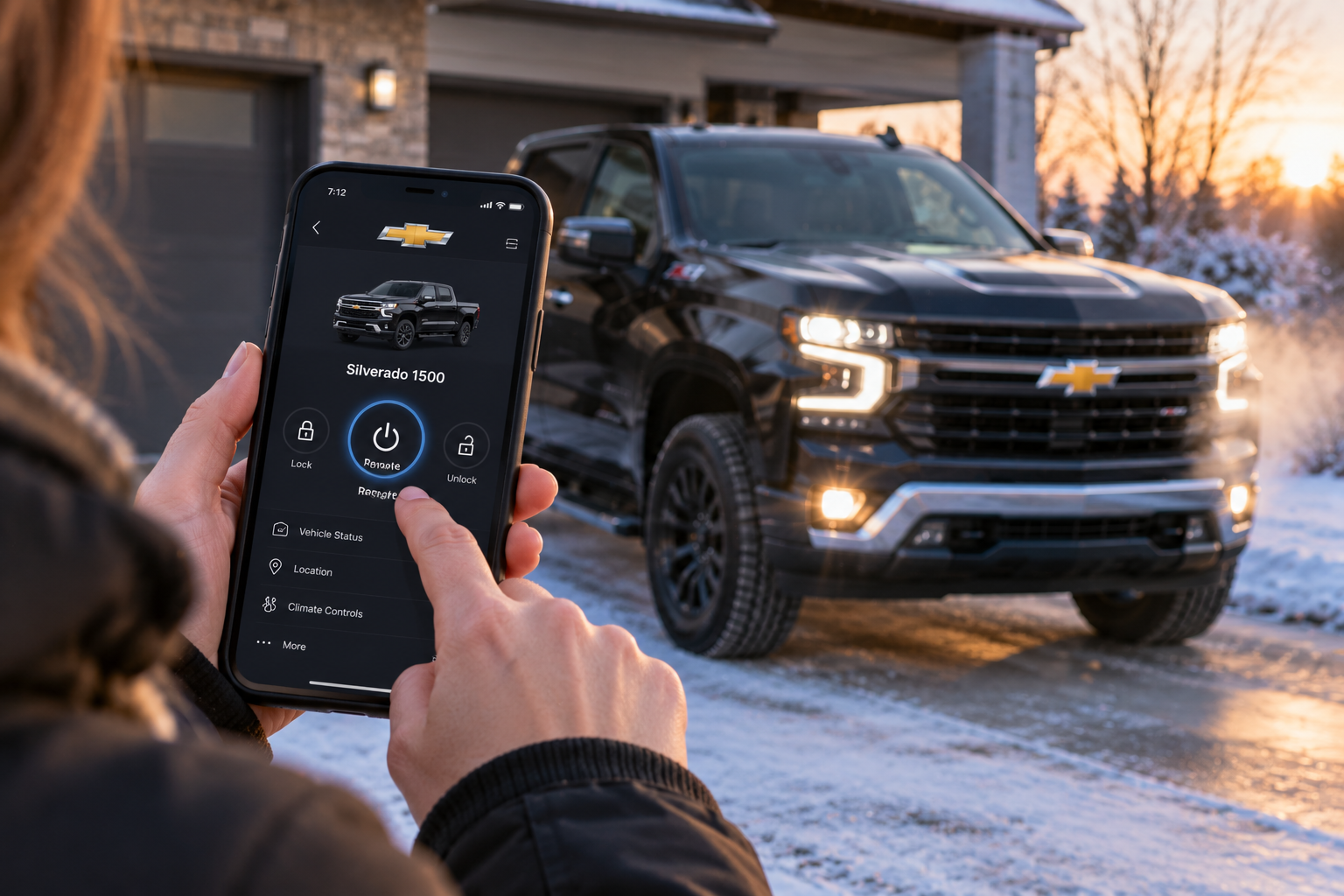
The MyChevrolet app is one of the most useful and most underused features that comes with every new Chevrolet vehicle today. Many Chevrolet owners in the Yakima Valley do not realize their vehicle can be remotely started, locked, and monitored directly from their smartphone. Here is your complete guide to how to use the MyChevrolet app from our team at C Speck Motors in Sunnyside. Why the MyChevrolet App Is Worth Setting Up Remote start your Chevy from your phone during Eastern Washington's extreme summer heat and cold winter mornings Lock and unlock your vehicle from anywhere when you forget or need to let someone in remotely Monitor your vehicle's fuel level, oil life, tire pressure, and diagnostic status at any time Receive instant alerts for speeding, boundary crossing, theft alarms, and curfew violations Schedule automatic daily remote starts so your vehicle is always ready before you leave Steps to Get Started With the MyChevrolet App Step 1: Download the App Download the free MyChevrolet app from the App Store on iPhone or Google Play Store on Android. Search for "MyChevrolet" and look for the official app with the Chevrolet bowtie logo. Step 2: Create Your Account Open the app and tap "Create Account" to set up your free MyChevrolet account. Use the same email address associated with your vehicle purchase or existing OnStar account for the smoothest setup experience. Step 3: Add Your Vehicle Log in and tap "Add a Vehicle" to connect your Chevrolet to your MyChevrolet account. Enter your 17-digit Vehicle Identification Number found on your dashboard, door jamb sticker, or vehicle registration documents. Follow the on-screen prompts to complete the vehicle pairing process. Step 4: Activate Your Connected Services Subscription Most MyChevrolet app features require an active Chevrolet Connected Services subscription through OnStar. New Chevrolet vehicles typically include a trial period of connected services at no additional charge. Contact our team at C Speck Motors or visit the OnStar website to learn about subscription options after your trial period ends. Step 5: Explore Your Home Screen After adding your vehicle your app home screen displays your vehicle's current lock status, fuel level, oil life, and tire pressure. The home screen provides quick access buttons for remote start, lock, unlock, and horn and lights activation. How to Use Remote Start MyChevrolet app remote start is the single most popular feature among Yakima Valley Chevrolet owners. Here is how to remote start your Chevy from your phone: Basic Remote Start Tap the Remote Start button on your app home screen to activate remote start from anywhere with a cellular signal. Your vehicle starts and your climate control activates based on your last temperature settings. Your engine runs for a preset period typically between 10 and 15 minutes before automatically shutting off. Extended Remote Start Tap the Remote Start button again during an active session to extend your engine run time for an additional preset period. This is especially useful on the coldest Eastern Washington winter mornings when extra warm-up time is needed. Scheduled Remote Start Tap "Schedule" within the remote start section and set your preferred daily start time for weekdays, weekends, or specific days of the week. A scheduled start ensures your Chevrolet is always at a comfortable temperature before you need to leave each morning. Important Remote Start Conditions All doors must be closed, all windows must be closed, and the transmission must be in Park before the Chevy remote start app will activate. The hood must also be completely closed and latched for the remote start safety system to permit engine startup. How to Use Remote Lock and Unlock Remote Lock Tap the Lock button on your app home screen to remotely lock all doors on your Chevrolet from anywhere. The app confirms the lock command was received and your locks engaged within a few seconds of sending the command. Remote Unlock Tap the Unlock button to remotely unlock your Chevrolet from anywhere with a cellular signal. The remote unlock feature is especially useful when a family member needs to access your vehicle and you are not physically present. Lock Status Check The app home screen displays your vehicle's current lock status at all times so you can verify whether your doors are locked with a simple glance. How to Use Horn and Lights Tap the Horn and Lights button on your app home screen to activate your vehicle's horn and exterior lights remotely. Your Chevrolet will sound the horn briefly and flash the exterior lights making it easy to locate in a large or unfamiliar parking area. This feature is especially useful in large parking areas at Yakima Valley shopping centers and events. More Features Worth Knowing Vehicle Health Reports The app provides access to your vehicle's current health status including tire pressure, oil life, fuel level, and any active warning lights. Monthly vehicle health reports are automatically sent to your email providing a convenient summary of your Chevrolet's overall condition. Vehicle Location The app shows your vehicle's current GPS location on a map making it easy to find your Chevrolet in a busy parking area. Vehicle location is especially valuable for parents of teen drivers who want to verify where the family Chevrolet is located at any given time. Vehicle Alerts Set up custom alerts that notify you when specific events occur including speed alerts, geographic boundary alerts, curfew alerts, theft alarm notifications, and low fuel alerts. These alerts are especially valuable for families with teen drivers and Yakima Valley business owners who use their Chevrolet as a work vehicle. Service Scheduling Schedule your next oil change or service appointment at C Speck Motors directly through the MyChevrolet app without making a phone call. Roadside Assistance The app provides a direct connection to OnStar roadside assistance with your vehicle's GPS location automatically shared when you request help. This feature is especially valuable for Yakima Valley drivers who travel remote Eastern Washington roads. Troubleshooting the MyChevrolet App Remote Start Is Not Working Check that your Connected Services subscription is active and has not expired since your vehicle purchase. Verify that your vehicle meets all remote start safety conditions including all doors closed, transmission in Park, and hood fully latched. Lock and Unlock Commands Are Not Responding Try closing the app completely and reopening it to refresh the connection to your vehicle. Check that your Connected Services subscription is active and your vehicle is properly paired to your MyChevrolet account. Vehicle Location Is Not Updating Try closing and reopening the app to refresh the GPS connection to your vehicle. Contact OnStar customer support if your vehicle location continues to be inaccurate or unavailable after refreshing the app. App Is Not Connecting to Your Vehicle Try logging out of the app completely and logging back in to refresh your account and vehicle connection. Contact our team at C Speck Motors in Sunnyside if you continue to experience connectivity issues and our knowledgeable team will help you resolve the problem. Get Help Setting Up the MyChevrolet App at C Speck Motors Have questions about setting up or using the MyChevrolet app on your iPhone or Android device? Our team at C Speck Motors in Sunnyside is here to help you get the most out of every connected feature your Chevrolet has to offer. Here is how to reach us: Online: Visit our website and submit an inquiry or schedule a technology walkthrough By Phone: Call our sales or service team directly Walk-In: Stop by during business hours for a complete app setup walkthrough Stop by C Speck Motors in Sunnyside today and let our friendly team walk you through every feature of the MyChevrolet app so you can enjoy every connected capability your Chevrolet has to offer. Shop Chevy Inventory The information provided is for general informational purposes only and does not constitute legal, financial, or professional advice. While we strive to provide accurate and up-to-date information, we make no guarantees regarding the completeness, accuracy, or reliability of the information presented. Any action you take based on the context of this blog is strictly at your own risk. Always consult a qualified professional or specialist for advice specific to your situation. We are not responsible for any losses or damages arising from the use of this blog or its content.