




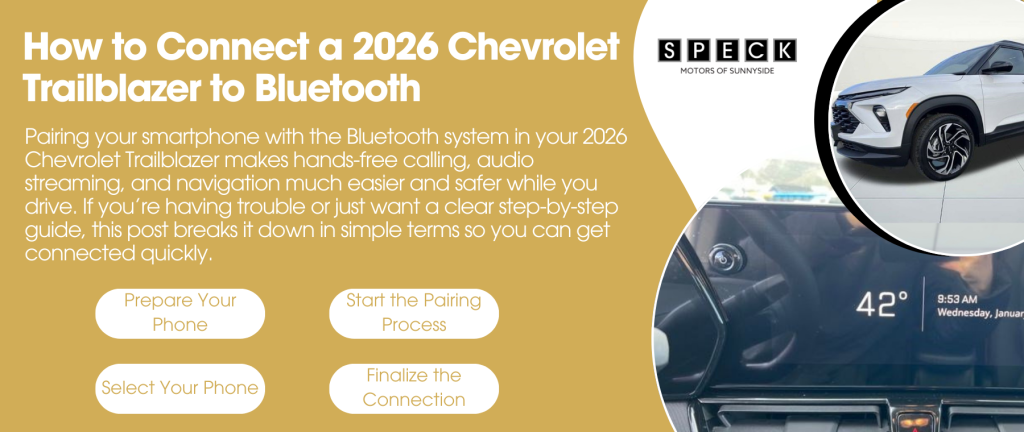
Pairing your smartphone with the Bluetooth system in your 2026 Chevrolet Trailblazer makes hands-free calling, audio streaming, and navigation much easier and safer while you drive. If you’re having trouble or just want a clear step-by-step guide, this post breaks it down in simple terms so you can get connected quickly.
Prepare Your Phone
Before you begin the pairing process, make sure your phone’s Bluetooth is turned on and ready to pair.
- Open Settings on your phone.
- Tap Bluetooth and toggle it on if it isn’t already.
- Leave your phone on the Bluetooth screen so it’s discoverable. (Your Trailblazer needs to “see” it during pairing.)
Start the Pairing Process on the Trailblazer
Your Trailblazer’s infotainment system uses the Chevrolet infotainment screen to manage Bluetooth connections.
- Turn on your Trailblazer and keep the vehicle in Park.
- On the center display, tap Home (if you’re not already on the main screen).
- Select Phone or Bluetooth from the menu.
- Choose Pair Device or Add Phone. The system will begin searching for available devices.
Select Your Phone
After your Trailblazer detects your phone:
- Your phone’s name should appear on the screen.
- Tap your phone’s name on the Trailblazer display to start pairing.
- A confirmation prompt will appear on both your phone and the vehicle’s screen with a pairing code.
Make sure the codes match and then accept/confirm the pairing on both your phone and the Trailblazer screen.
Finalize the Connection
Once pairing is confirmed:
- Your Trailblazer may ask if you want to enable features like contacts syncing, messages, and call history.
- Say Yes if you want hands-free calling and contact access.
- Your phone should now be connected, and you’ll see Bluetooth icons or status on the display.
From here, you can make calls, stream music, and use navigation audio through the Trailblazer’s speakers.
Troubleshooting Tips
If your phone doesn’t connect right away, try these fixes:
- Turn Bluetooth off and on again on your phone.
- Restart your phone and the Trailblazer’s infotainment system.
- Remove old pairings from both your phone and the vehicle’s Bluetooth list, then try again.
- Make sure your phone software is up to date, as older software can sometimes cause issues.
- If other Bluetooth devices are nearby, turn them off temporarily to avoid interference.
Conclusion
Connecting your smartphone to your 2026 Chevrolet Trailblazer via Bluetooth is a straightforward process that enhances safety and convenience on the road. By following the steps above and using your infotainment system’s intuitive menus, you’ll be ready to make hands-free calls and stream audio in just a few minutes. If you continue to experience issues, C. Speck Motors of Sunnyside can help diagnose any system-specific concerns. Enjoy staying connected on every drive!
Connect with us

